
Starting Point
Separate scripts and a desktop-style workflow
The original project centered on texture-map generation outside Blender. Useful, but still far from how artists expect an add-on to behave.
Case Study
Generation alone was not enough. Blender integration, material application, and post-generation control were what made the tool actually useful.
Challenge
Starting Point
The original project centered on texture-map generation outside Blender. Useful, but still far from how artists expect an add-on to behave.
Goal
The goal was to keep the generation pipeline, but make the overall experience feel like a proper Blender workflow rather than a detached utility.
Approach
Packaging, UI integration, material application, and verification took priority over treating Blender as a thin wrapper around scripts.
Build
01
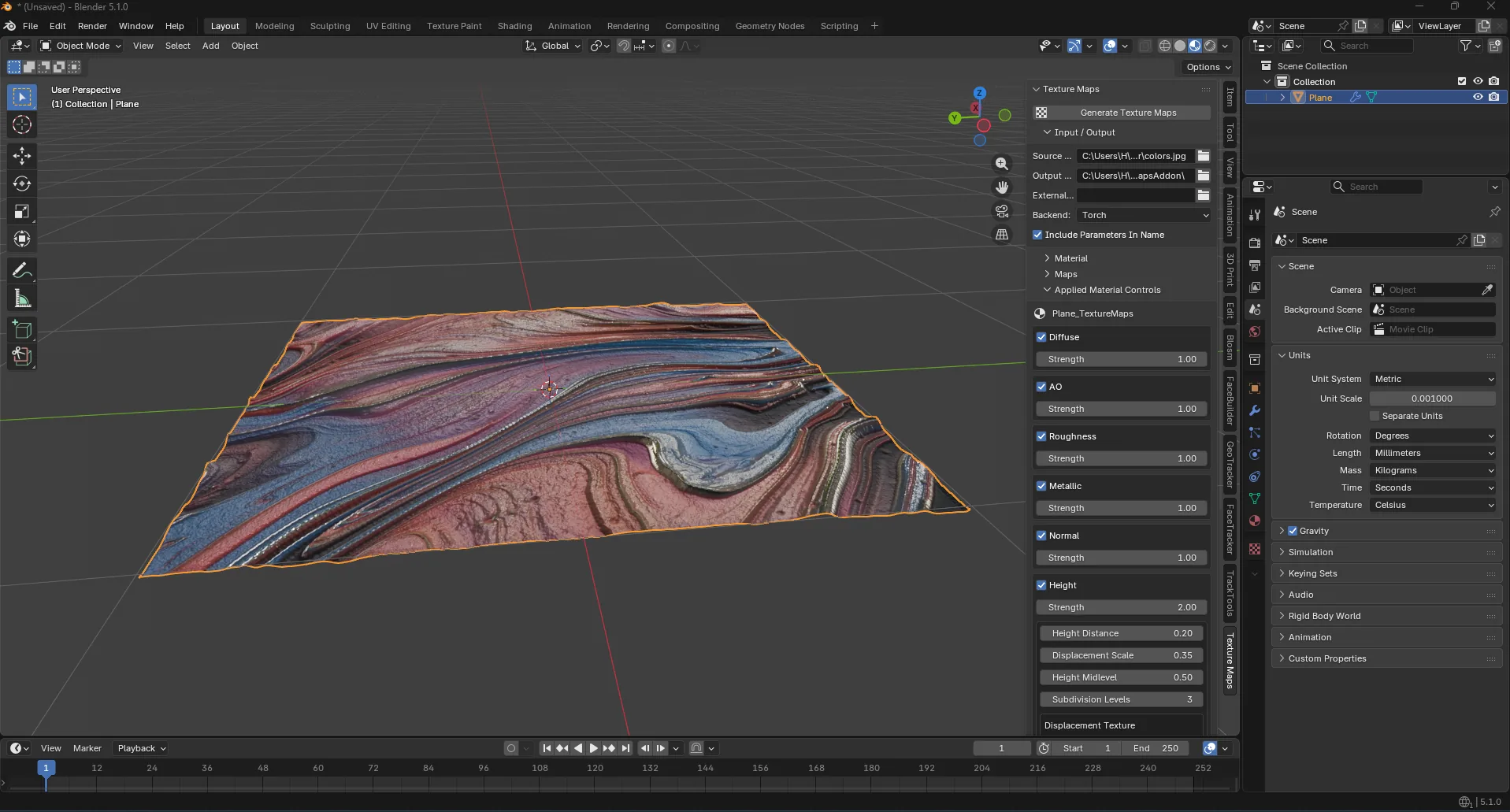
The add-on produces a set of texture-driven outputs including ambient occlusion, height, roughness, metallic, and normal maps.
02
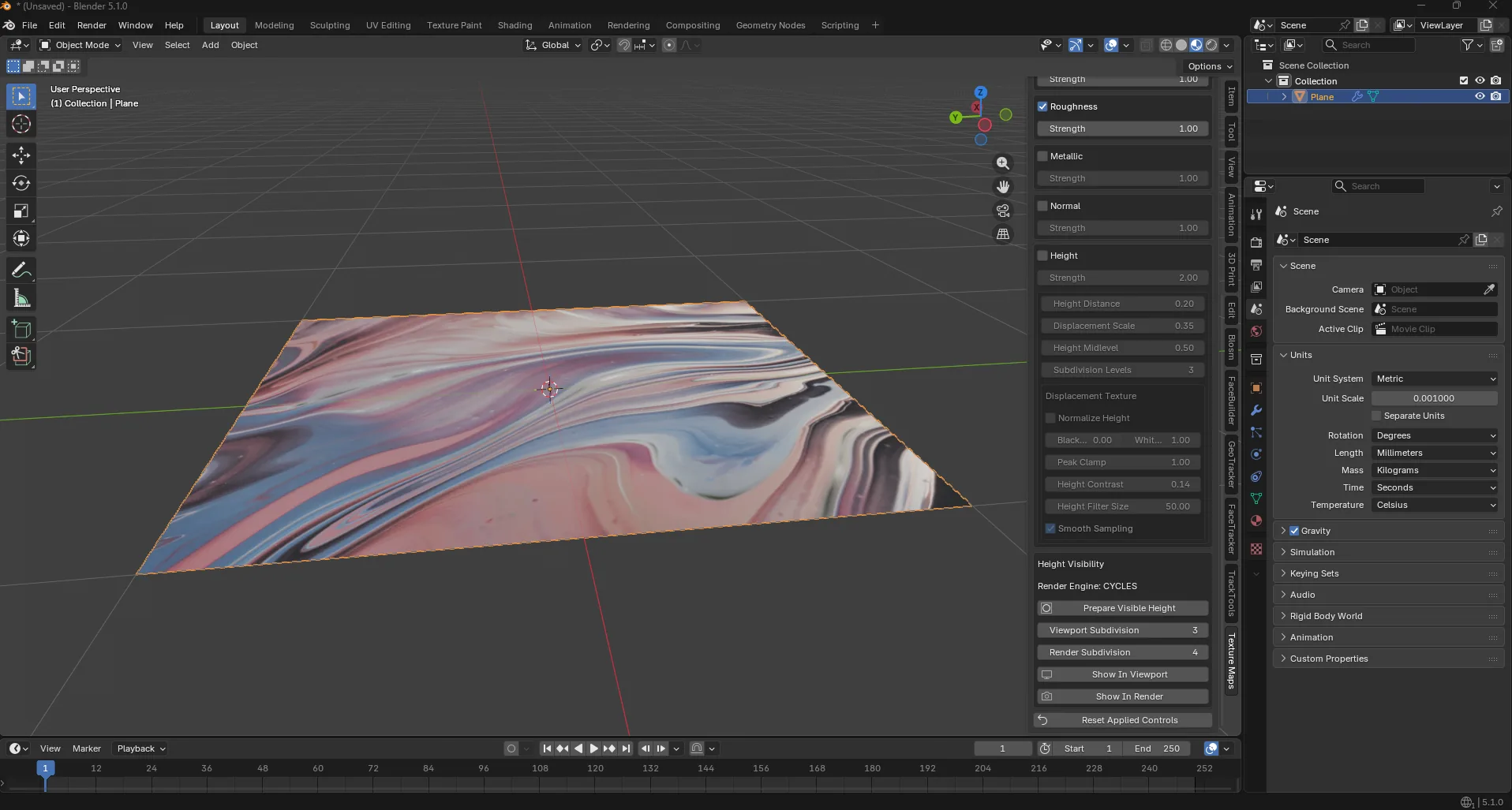
The generated results are wired into Blender materials so users can move from output files to a usable material workflow quickly.
03
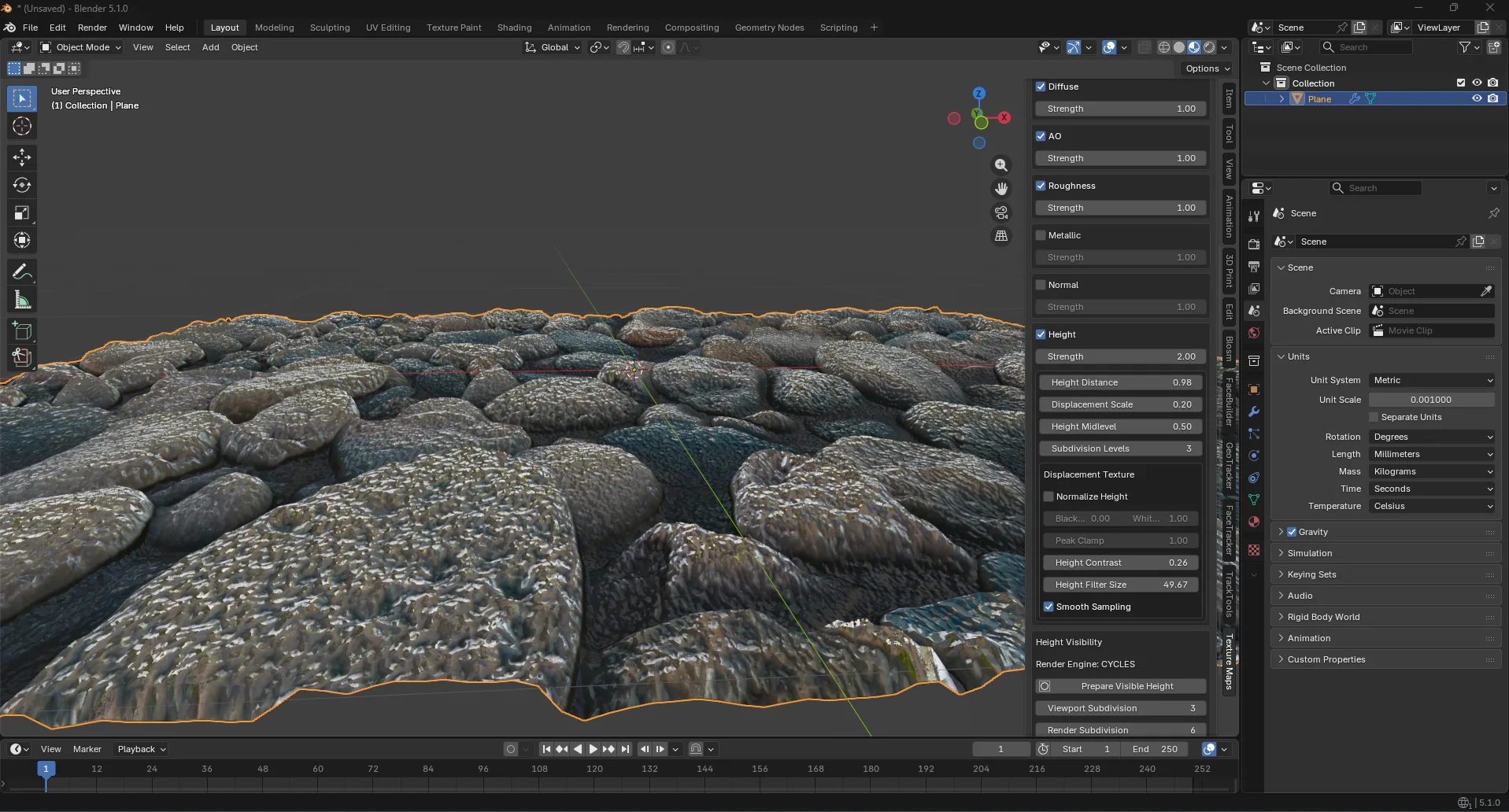
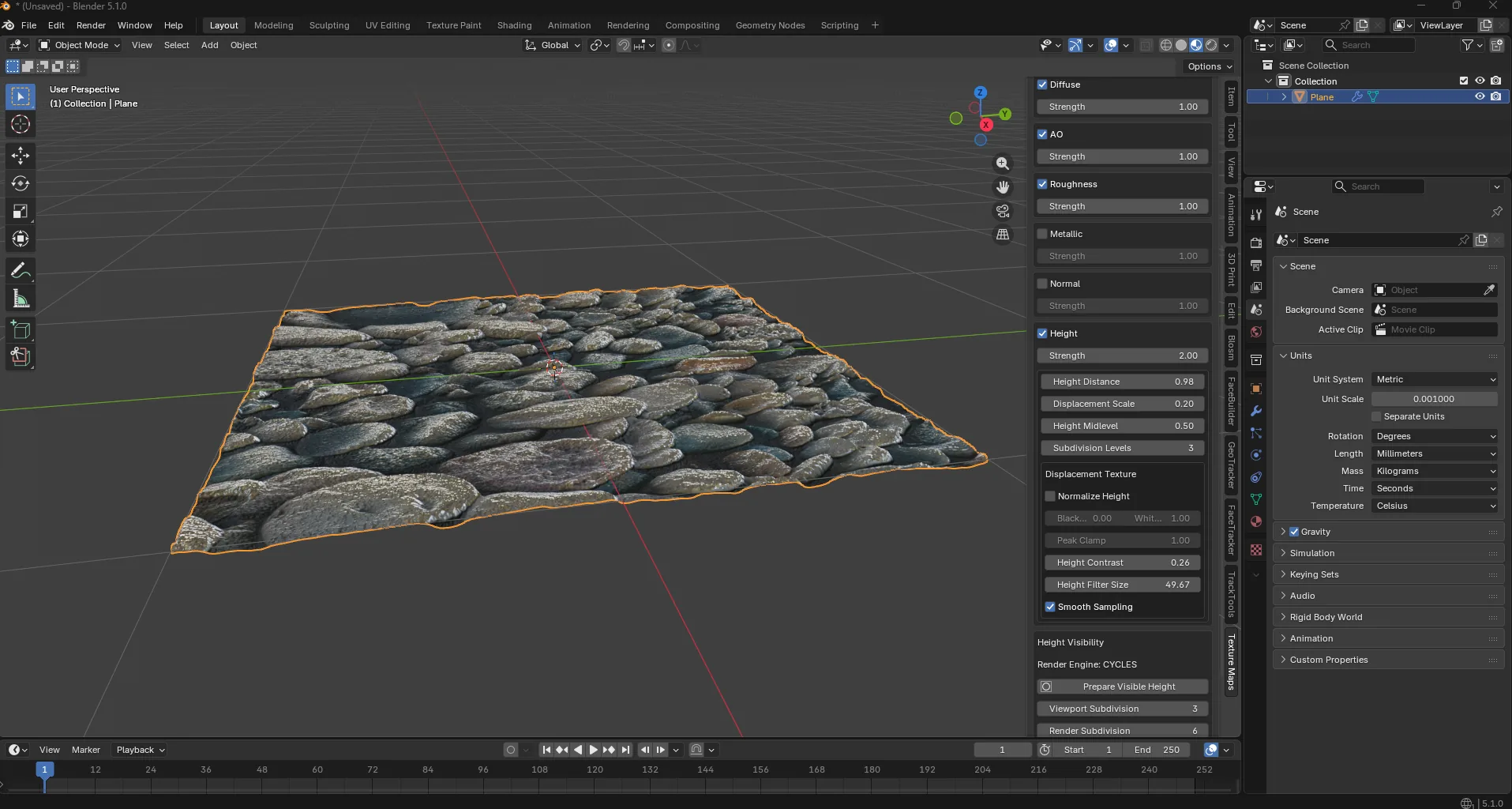
Live controls for toggles, strengths, displacement, and height smoothing made refinement possible without constant regeneration.
04
The work was validated through scripted Blender runs so registration, operator flow, and material setup were checked repeatedly instead of guessed at.
Inside Blender
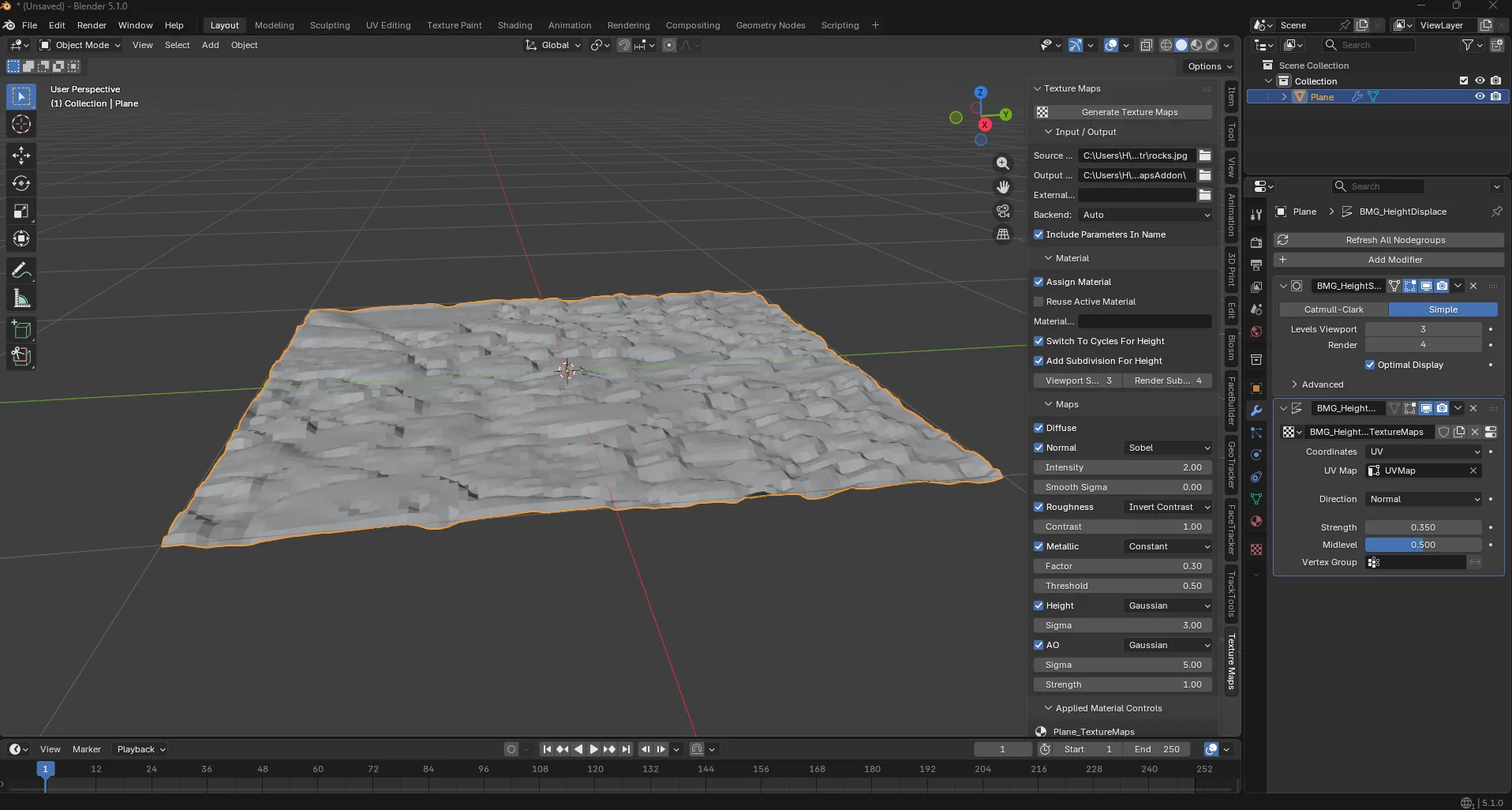
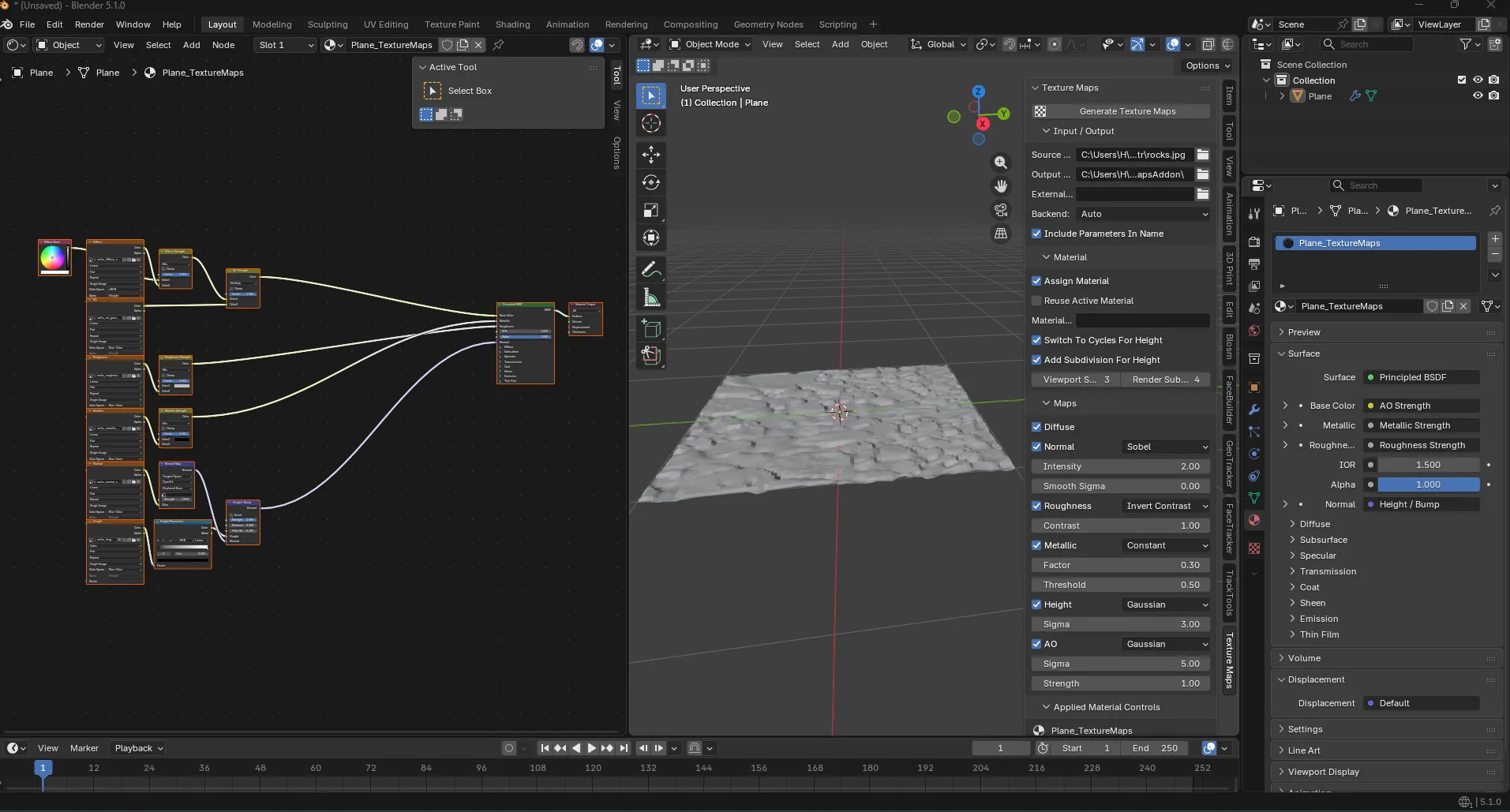
Generated Results
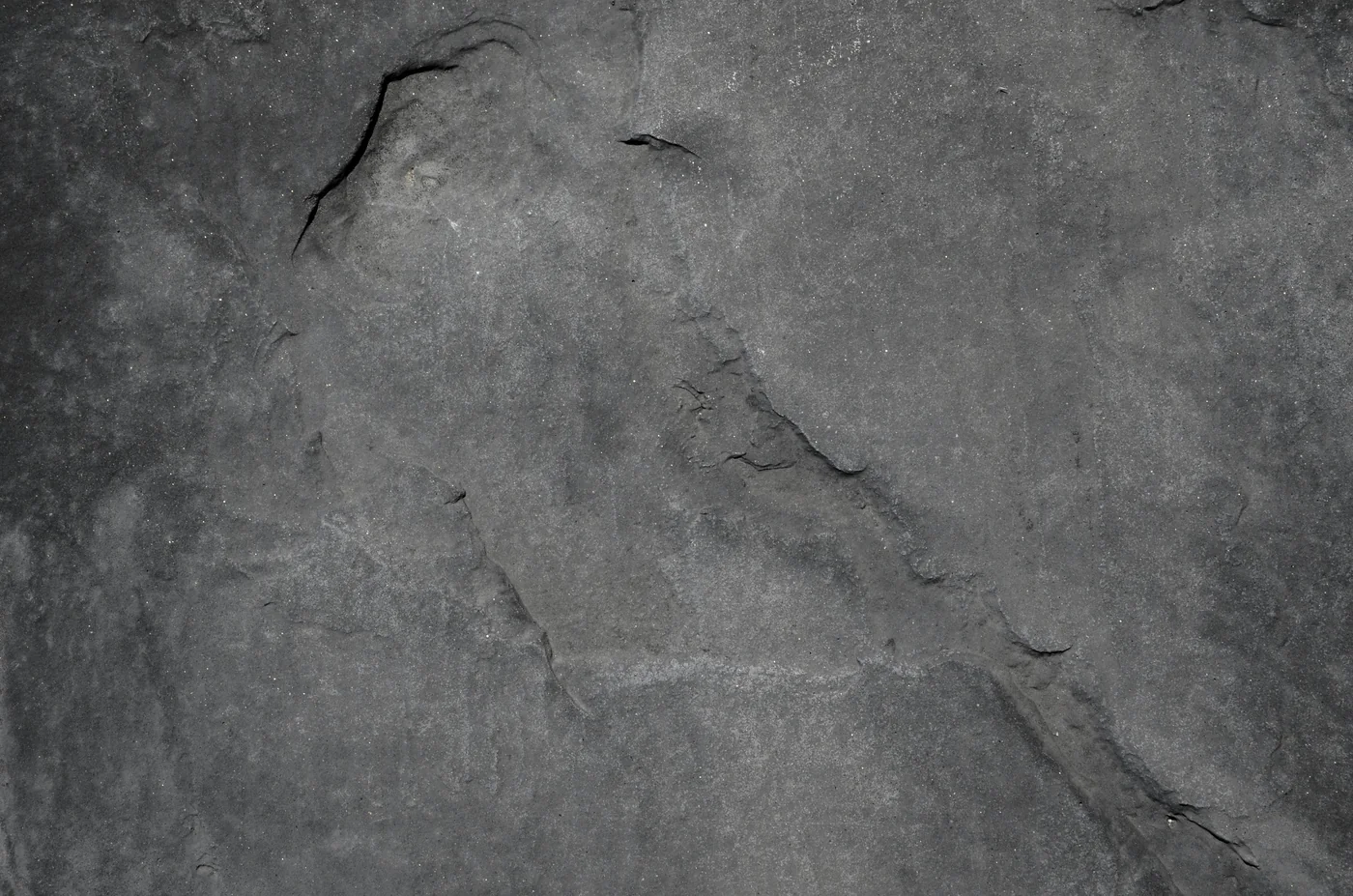
Source
Base texture used as the input for map generation.
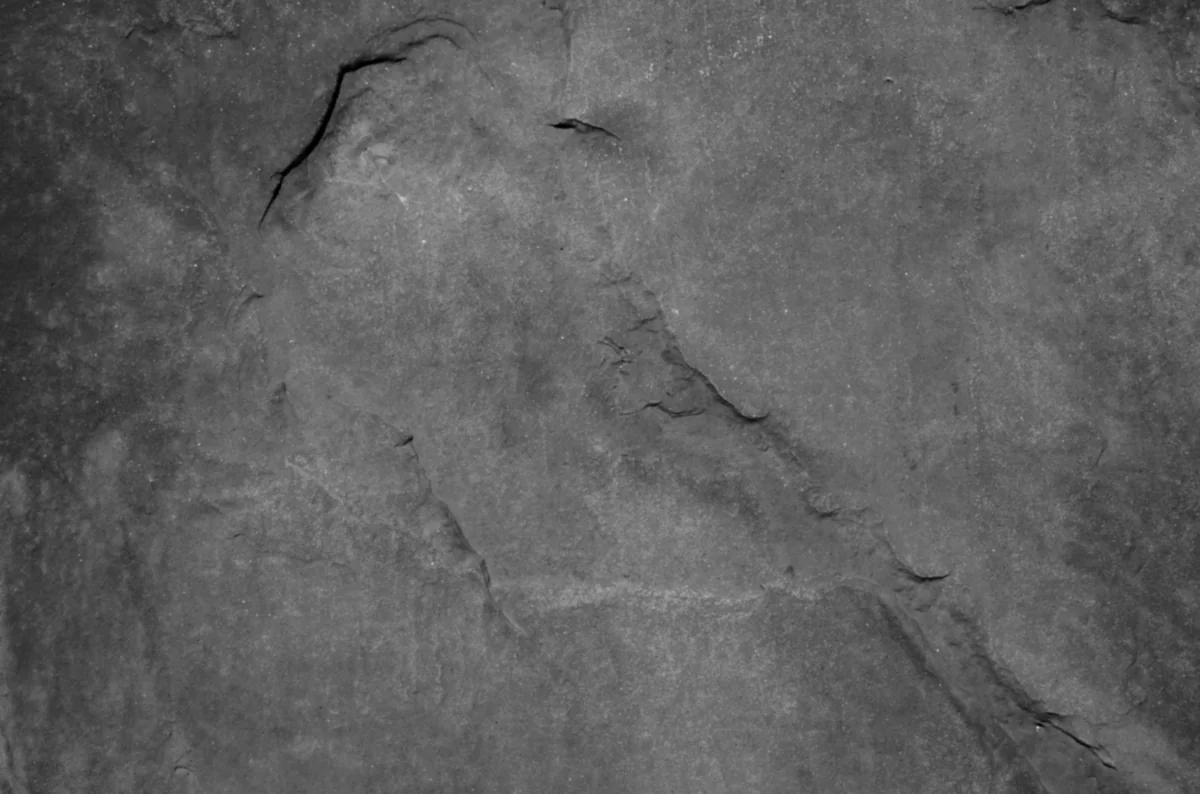
Height
Used for bump and displacement, now with stronger post-generation control.
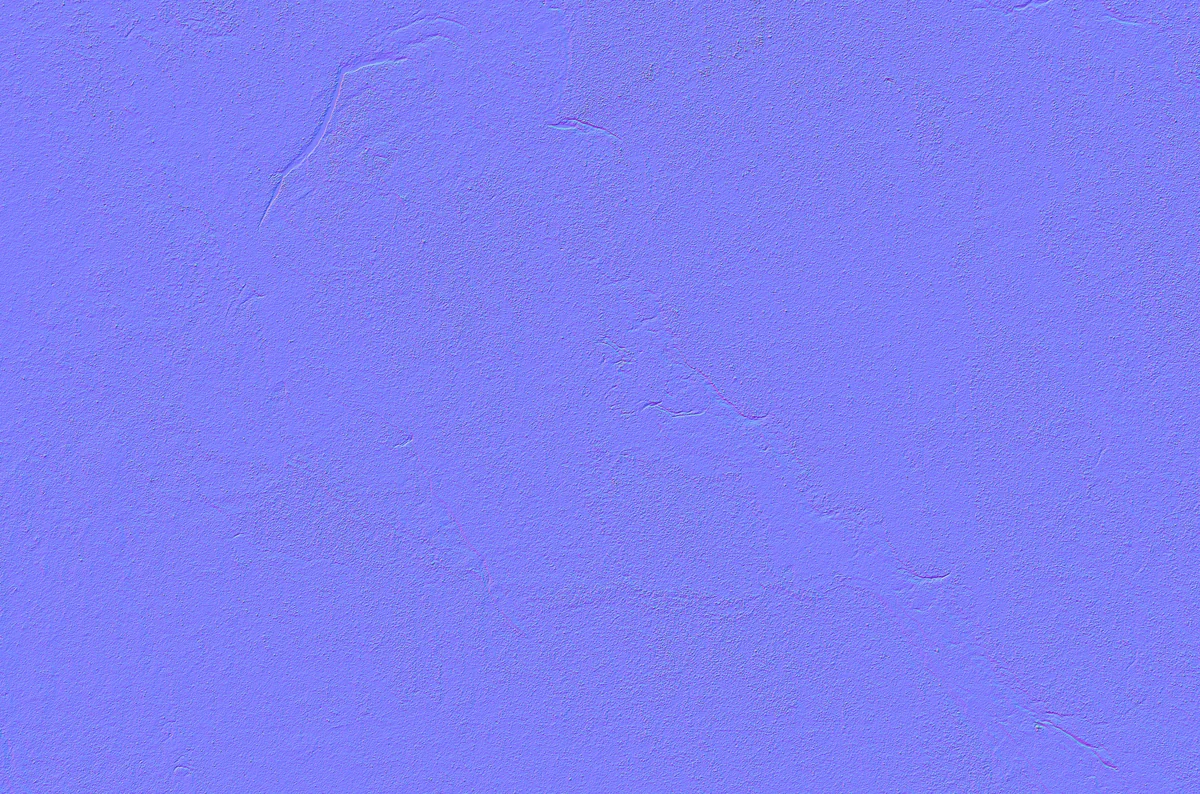
Normal
Helps surface directionality and makes the material read more clearly in lighting.
Live Preview
Drag to orbit. Scroll to zoom. The preview uses the generated source, AO, height, normal, and metallic maps from this project.
Why This Project Fits
Interface work, engineering judgment, migration planning, verification, and steady attention to real user workflow all had to move together. That combination mirrors the kind of software work that fits best.